In short
Submagic adds in seconds what takes longest when editing a UGC video: animated captions, B-roll, transitions and sound effects. Upload your video, pick a style, adjust and export. Ideal for delivering several versions and hooks without spending your evening on it.
Why editing matters so much in UGC
Most UGC videos are watched with the sound off. Without captions, your message gets lost. And a video that moves (zooms, cutaways, small sounds) holds attention better than a still 30-second shot.
The catch: captioning by hand and hunting for cutaways often takes longer than filming. When a brand asks for 3 hooks or 2 formats, that time multiplies.
What Submagic does
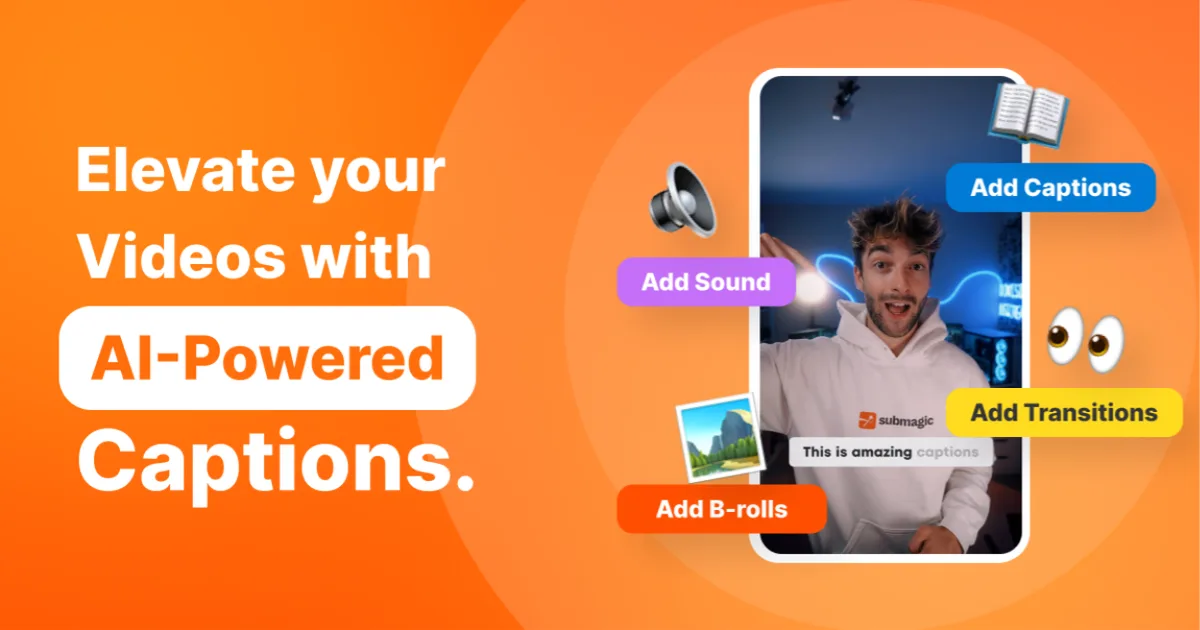
- Automatic captions: the AI transcribes your voice and adds animated captions, with ready-made styles and highlighted keywords.
- B-roll: cutaways added to illustrate what you say.
- Transitions and zooms: to pace the video without a complex timeline.
- Sound effects: small sounds that underline key moments.
It all runs in the browser: no heavy software to install.
A simple workflow for a UGC video
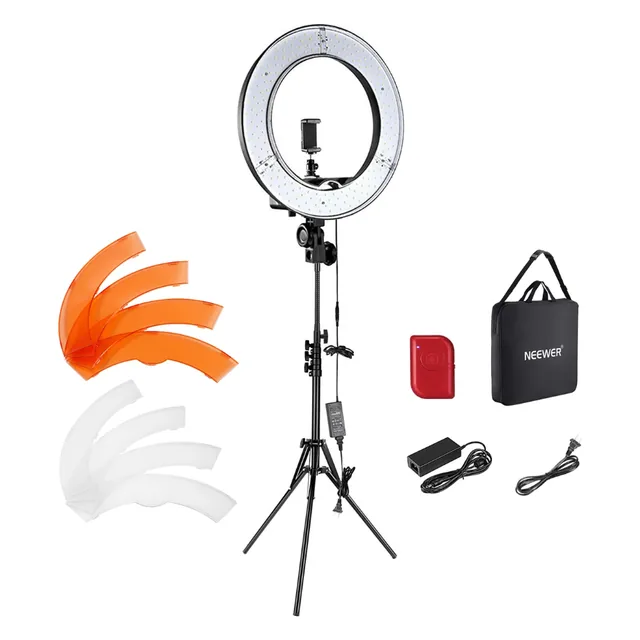
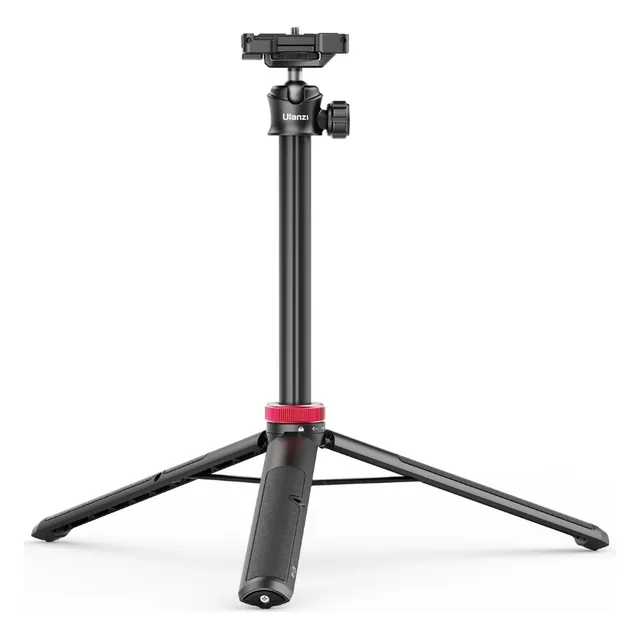
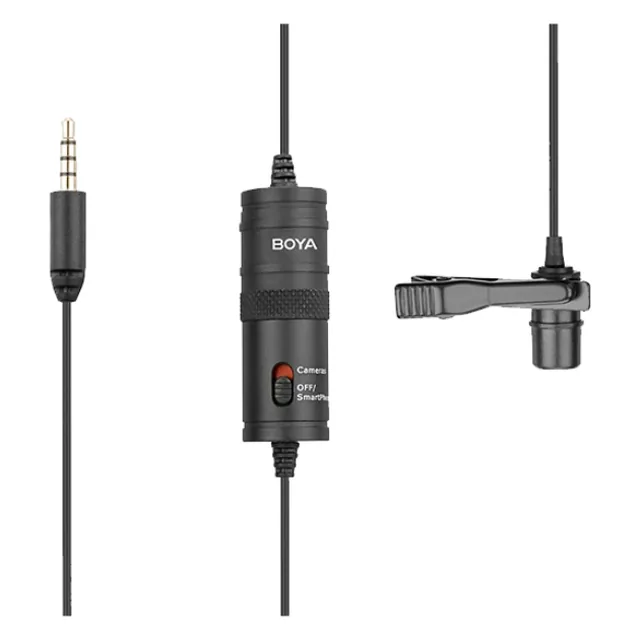
- Film your video as usual (see gear for beginners).
- Make a rough cut: keep the best take, trim the pauses.
- Upload it to Submagic and pick a caption style that fits the brand.
- Proofread the captions word by word: product names, numbers, spelling.
- Add B-roll, transitions and sounds sparingly, then export in 9:16.
- For each hook requested, only replace the first seconds and export again.
Stick to the brand's brief
Before adding effects, check the brief: some brands require a font or colors, or refuse added music and sounds. Cutaways must never show a competitor or promise a result the product doesn't deliver.
For the questions to ask before filming, see getting a UGC brief.
Try Submagic
Start with a video you already delivered: you'll see right away how much time you save, and whether the result fits your style.
Common questions
Does Submagic replace editing software?
For most short UGC videos it covers the essentials: captions, cutaways, transitions and sounds. For heavier editing, cut in your usual tool, then finish in Submagic.
Should a UGC video always have captions?
Almost always, since many videos are watched without sound. Still ask the brand: some prefer to add their own captions and want a clean version.
Is the link in this article a partner link?
Yes. If you subscribe through it, LeQGC earns a commission at no extra cost to you. We only recommend tools we find useful for UGC creators.
This guide gives practical pointers. Rules vary by country: it doesn't replace advice from an accountant or a lawyer for your situation.